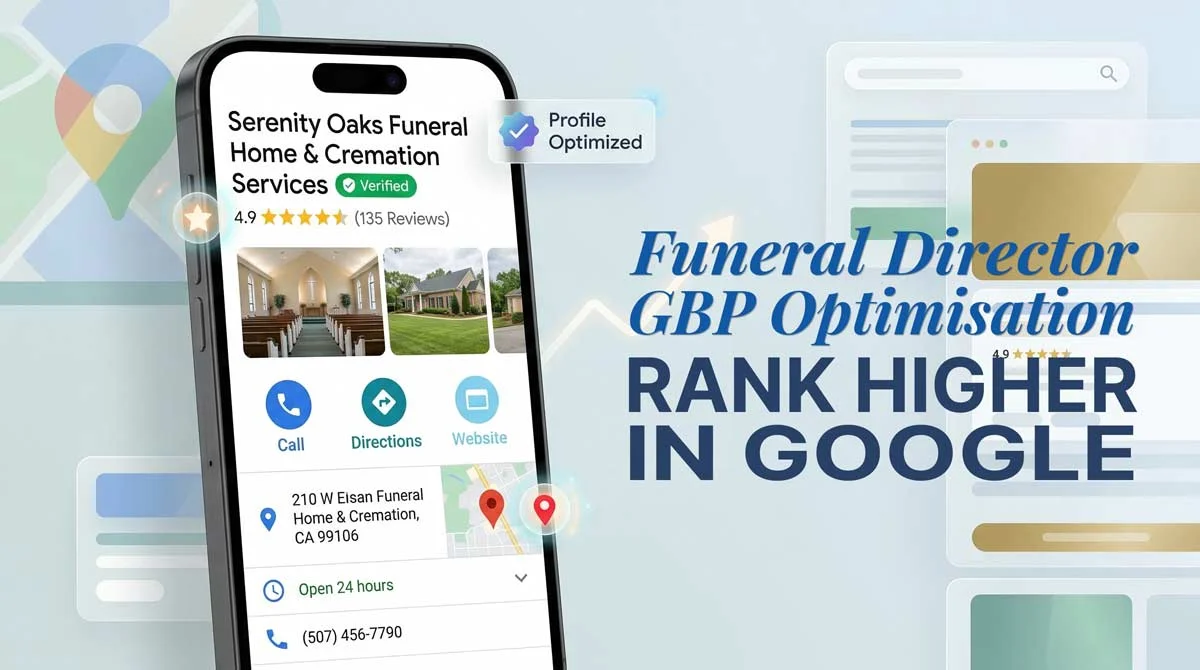
Most funeral homes have a Google Business Profile. Most are invisible in the Map Pack because of how it’s set up.
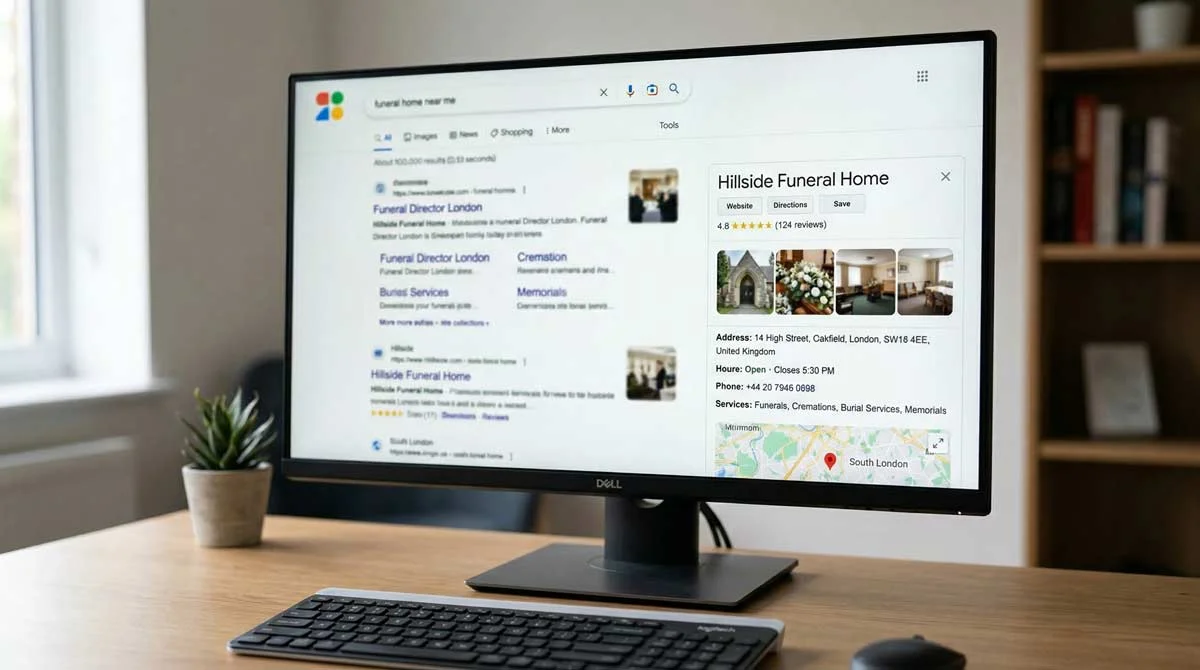
For funeral directors, Google Business Profile is the primary local search signal. When a family in your town searches for a funeral home, Google shows three options before everything else, in the Map Pack. That result is controlled more by your Business Profile than by any other signal. An incomplete or neglected profile is suppressed. A fully optimised one competes, and often wins, against businesses with significantly larger marketing budgets.
Here is how each part of the profile works, and what to do with it.
Why your Google Business Profile is the foundation of local search visibility
Google’s local ranking algorithm weighs three factors: relevance, distance, and prominence. Distance is fixed by your address. Relevance and prominence are both shaped directly by your Business Profile.
Relevance is how clearly your profile communicates what you do and where. The right categories, a well-written description, and complete service listings tell Google precisely what searches your funeral home should appear for. Without them, Google makes uncertain matches, and uncertain matches lead to suppressed visibility.
Prominence is shaped by your reviews, how consistently your name, address, and phone number appear across the web, and how active your profile looks to Google. All three are within your control.
A practical way to think about it: Google is looking for three distinct proof points before it will rank your funeral home in the Map Pack. Proof you are a real business, with consistent entity data and a credible website. Proof you genuinely provide funeral services in that specific area, through your categories, service listings, and matching website pages. And proof that other trusted local sources recognise you, through citations, directory listings, and links from local organisations. Your Business Profile is where you build the first two directly. The third requires work beyond the profile, covered later in this guide.
For the broader context on how these factors combine, the local SEO guide for funeral homes covers the full picture.
How to claim and verify your Google Business Profile
Before optimising anything, confirm you are managing the right listing.
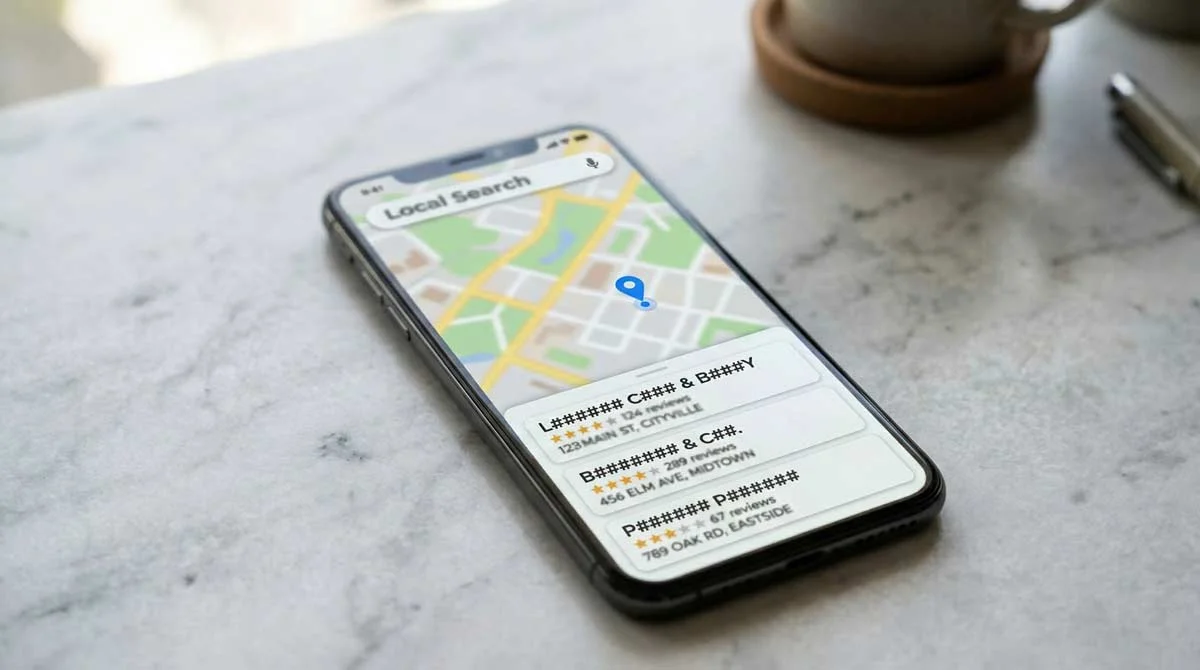
Search for your funeral home on Google Maps. If a listing already exists, you will see a prompt to claim it. Click “Claim this business” and complete the verification process. Verification confirms to Google that you are the legitimate owner and gives you control over the data.
If no listing exists, go to business.google.com and create one. The verification step is the same: Google typically sends a postcard to your business address with a code, or offers phone or video verification for eligible businesses.
Important: Check for duplicate listings before creating a new one. Duplicate profiles split your review count and confuse Google’s understanding of your business. If you find a duplicate, request its removal through the Google Business Profile support process before proceeding.
Once verified, you own the listing. Everything from here is optimisation.
The complete GBP optimisation checklist
A complete profile is not one where every field has something in it. It is one where every field has the right thing in it.
| Profile element | Requirement | Notes |
|---|---|---|
| Business name | Exact registered trading name | No keywords, no location modifiers |
| Address and phone | Identical to your website and every directory | NAP consistency is a ranking signal |
| Primary category | Funeral Home or Funeral Director | Check your local Map Pack to see which dominates, then use that |
| Secondary categories | The other of the two above, plus Cremation Service, Memorial Service | Add only what applies to your services |
| Description | Up to 750 characters | Lead with location and service type |
| Service listings | One entry per service | Include descriptions and pricing where appropriate |
| Opening hours | Current, including bank holidays | Update when hours change, same day |
| Attributes | Accessibility, appointment availability, payment types | Fill every relevant attribute |
| Photos | Minimum ten, refreshed monthly | Exterior, interior, arrangement room, staff |
| Google Posts | At minimum once per week | Informational tone, not promotional |
| Reviews | Consistent incoming rate | See the reviews section below |
Business name
Enter your exact registered trading name. Nothing more. Adding a location or service keyword to your business name field, such as “Birkett Funeral Directors Leeds,” is against Google’s guidelines if that is not your legal name, and risks profile suspension. It also looks unprofessional to families reading the listing.
Address and phone number
Your name, address, and phone number must be identical here and on every directory where your funeral home is listed. This consistency, known as NAP consistency, tells Google crawlers that the same real business appears in multiple places. Discrepancies, a different phone number on Yell, an abbreviated address on Thomson Local, undermine Google’s confidence and suppress your ranking.
Primary and secondary categories
In the UK, the right primary category is not always obvious. Google offers both “Funeral Home” and “Funeral Director” as distinct categories, and which one performs better depends on your local market. In some areas, the top Map Pack results use “Funeral Home”. In others, the dominant listings use “Funeral Director”.
The way to find out is to check who is already ranking in your local Map Pack and see what primary category they are using. A free Chrome extension called GMB Everywhere lets you view the category data for any Business Profile directly on Google Maps and in search results, without needing access to the account. Search for funeral homes in your town, run GMB Everywhere, and check the primary category on the top-ranking profiles. If they are predominantly using “Funeral Home”, set that as your primary. If “Funeral Director” is dominant, use that instead, and add the other as a secondary category.
Secondary categories can also include Cremation Service, Memorial Service, and Pre-Arrangement Service where they genuinely reflect what you offer. Google allows up to 10 categories in total, so use every one that accurately describes a service you provide. Each additional relevant category broadens the range of searches your profile can appear for. Do not pad with unrelated categories. Google evaluates category precision, not volume.
Business description
You have 750 characters. Use them deliberately. Open with your location and what you do: “We are an independent funeral director serving [town] and the surrounding area, providing [service types] for families across [county].” Include the phrase “independent funeral director” to differentiate from corporate chains. Avoid superlatives and sales language. Write for a family under stress who needs to understand quickly whether you are the right choice for them.
Service listings
Add an individual entry for every service you offer: traditional funerals, cremation, direct cremation, pre-arranged funerals, memorial services. Each listing can include a description and, where appropriate, pricing. Transparency on pricing aligns with the Competition and Markets Authority’s guidelines [1] for the funeral sector, and it builds trust before the phone call.
Opening hours and attributes
Keep hours current, including special hours for bank holidays. If you provide a 24-hour answer service, state that clearly. Google uses hours to determine whether to show your listing for searches made outside of standard business times.
Attributes cover accessibility features, appointment availability, and payment types. Fill in every relevant one. These are filterable signals that help your profile appear in more specific searches.
Photos and videos
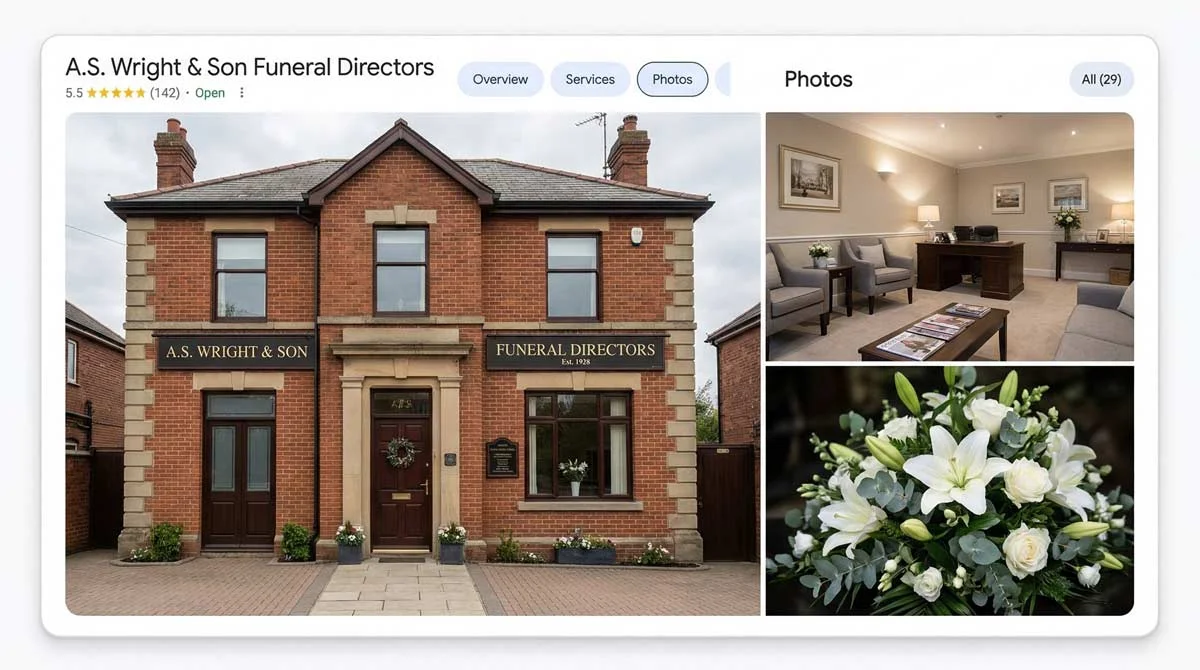
Add a minimum of ten photos: the building exterior, the reception area, the arrangement room, and at least one photo of the team. Profiles with photos generate significantly more engagement than profiles without them, because families want to know where they are going before they arrive.
Refresh photos monthly. A photo library that was last updated two years ago signals a business that is not actively maintained. Add one short video if you have one: a facility tour or a brief introduction from the funeral director. Google treats video as an engagement signal and it counts toward profile completeness.
Google Posts: the weekly habit that signals an active business
Google Posts appear in your Business Profile in search results and on Maps. They are one of the clearest signals of an active, operating business that Google can read.
Post at minimum once a week. What to post: seasonal guidance on pre-need planning, information about the services you offer, community events you are involved in, brief answers to questions families ask most. Keep the tone informational. Avoid promotional language: “Book now” and “Contact us today” are the wrong register for this industry and for this channel.
Each post stays visible for a limited time, which means consistency matters more than any individual post. A funeral home that has posted 50 times in the past year looks fundamentally different to Google than one that posted twice and stopped.
Reviews: how your GBP review profile drives Map Pack rankings

Reviews are a Map Pack ranking signal. They are also a conversion signal: a funeral home with 45 reviews at 4.8 stars does not just rank higher than one with 8 reviews. It converts more of the visitors who find it.
Review velocity matters as much as total count. A stagnant review count, even a high one, is a negative signal. Google reads consistent incoming reviews as evidence of a business that is actively serving families. Aim for a steady stream rather than a burst followed by silence.
Ask at the right moment. A personal message or handwritten note sent a few days after the service, once the family has had space, works significantly better than an automated email. Send a direct link to your Google review page. Remove any extra steps and most people will complete it.
Encourage specifics. When asking, mention that it helps other families if the review describes the type of service and the area. A review that says “[Name] Funeral Directors handled my mother’s cremation in [town] with great care” sends a stronger locality and service signal to Google than a generic five-star with no text. It also converts better: families reading the profile want to see that others in their situation, in their area, were looked after well.
Respond to every review. A genuine response to a positive review shows everyone reading the profile that families are heard. A thoughtful response to a negative review, handled with care, often builds more trust than a row of five-stars with no replies.
The Competition and Markets Authority is clear on this: no incentivising reviews, no requesting reviews from families who have not used your services, no selectively encouraging only positive ones [1]. Encourage reviews ethically, from families who had a good experience, by making it easy and asking at the right time.
In most UK towns, a funeral home with 30 to 50 reviews above 4.7 stars is competitive for Map Pack positions. The gap between that and a profile with 8 reviews is typically six to twelve months of consistent asking.
Keeping your profile active: the ongoing maintenance habit
Setting up your profile fully is the starting point. Maintaining it is what builds rankings over time.
Check for Google-suggested edits monthly. Google allows anyone, including Google’s own automated systems, to suggest changes to your profile. These suggestions appear in your Business Profile Manager and, if you do not review and reject incorrect ones, they can silently overwrite your data. I have seen funeral homes lose their correct phone number this way without noticing for weeks. Review and act on suggested edits as part of a regular monthly check.
Update hours immediately when they change. A profile showing incorrect hours is a trust problem before it is an SEO problem.
Respond to reviews within 24 to 48 hours. Speed of response is visible to anyone reading the profile and reflects on how the funeral home communicates generally.
Add new photos monthly. A regularly updated photo library signals an active business to Google and to the families evaluating you.
Consistent maintenance over six to twelve months is one of the most predictable things in local SEO.
Common GBP mistakes funeral homes make
Most of the funeral homes I audit have at least one of these in place:
- Keywords in the business name field. Adding your town or service type to the name is against Google’s guidelines if it is not your actual trading name. It risks suspension and looks unprofessional.
- Wrong primary category. “Funeral Director” and “Funeral Home” are not the same category in Google’s taxonomy. “Funeral Home” is the better primary match for the searches families use.
- Failing to monitor Google-suggested edits. Outlined in the maintenance section above. One unreviewed suggestion can corrupt your NAP data.
- Not responding to reviews. Unanswered reviews, positive or negative, signal a disengaged business. Families read this before calling.
- A stagnant photo library. Photos from 2019 tell families and Google the same thing: this business is not actively maintained.
- No posts for months. A profile that posts once and goes quiet looks abandoned. Regular posts take ten minutes per week and compound over time.
How your GBP connects to your website and organic rankings

Your Google Business Profile and your website work as a pair. Google uses the website linked from your profile as a corroborating source, checking that the name, address, and phone number match, and that the website content is consistent with what the profile describes.
A website with consistent NAP information, location-specific content, and LocalBusiness schema strengthens your Map Pack position. A slow, poorly structured, or mobile-unfriendly website suppresses it, even when the profile itself is well maintained.
The two strongest things you can do beyond the profile itself are: ensure your website’s NAP matches the profile exactly, and implement LocalBusiness schema with your address, telephone, and opening hours in JSON-LD format. These are technical details, but they directly influence how confidently Google connects your profile to your website.
Local trust signals beyond the profile and website also matter. Membership of the NAFD or SAIF, where the association publishes a member directory linking to your website, acts as a high-trust citation. A listing in your local chamber of commerce directory carries similar weight. These signals are difficult for competitors to replicate quickly, and Google treats them as strong evidence that your funeral home is a legitimate, established local business. This is the third proof point, local recognition from trusted sources, and it is what separates profiles with similar on-profile optimisation.
For the full picture on how organic website SEO works alongside your Business Profile, the complete guide to ranking your funeral home on Google covers both together. For professional help building and maintaining both as a local SEO system for your funeral home, IFM works with one independent funeral home per town.
Frequently Asked Questions
Is it worth having a Google Business Profile for a funeral home?
Yes. A Google Business Profile is the single most important local SEO asset for a funeral home. It is the primary signal Google uses to determine which funeral homes appear in the Map Pack, the block of three local listings that appears above organic results for searches like “funeral home near me” or “funeral director in [town].” Without a complete, active profile, your funeral home is largely invisible in local search.
How do I claim my funeral home’s Google Business Profile?
Search for your funeral home on Google Maps. If a listing already exists, you will see an option to claim it. If no listing exists, go to business.google.com and create one. Verification is typically done by postcard, phone, or video, and confirms to Google that you are the legitimate business owner. Check for duplicate listings before creating a new one.
What category should a funeral home use on Google?
In the UK, both “Funeral Home” and “Funeral Director” are available as primary categories, and the right choice depends on your local market. Check the top Map Pack results in your town using the free GMB Everywhere Chrome extension, which shows the primary category of any Business Profile in Maps. Use whichever category dominates the top-ranking profiles in your area, and add the other as a secondary. Secondary categories can also include Cremation Service and Memorial Service where they genuinely reflect what you offer.
How many photos should a funeral home have on Google?
Aim for a minimum of ten photos to start, and refresh them monthly. Include the exterior of your building, your reception area, the arrangement room, and at least one photo of the team. Profiles with photos receive significantly more direction requests and website clicks than profiles without them.
What should a funeral home post on Google Business Profile?
Post at minimum once a week. Keep the tone informational: seasonal guidance on pre-need planning, information about the services you offer, brief answers to questions families commonly ask. Avoid promotional language. Consistency matters more than individual post quality.
What are common Google Business Profile mistakes for funeral homes?
The most common mistakes are: adding keywords to the business name field, which risks profile suspension; setting the wrong primary category; failing to monitor and reject Google-suggested edits, which can silently override your data; not responding to reviews; and leaving the photo library stagnant for extended periods.
Does Google Business Profile affect SEO?
Yes, directly. Google uses your Business Profile as a corroborating source for the information on your website. Consistent NAP information across both, combined with an active and complete profile, strengthens your Map Pack position. A slow or poorly structured website can suppress Map Pack rankings even when the profile itself is well optimised.
Is Google Business Profile being discontinued?
No. The product was renamed from Google My Business to Google Business Profile in 2021. The GMB mobile app and the free GMB-generated websites were later retired, but the Business Profile listing itself, the one that appears in Maps and local search results, remains fully active. It is the primary local SEO tool Google provides to businesses.
How does my Google Business Profile relate to Google Maps?
Google Business Profile is where you manage your business information. Google Maps is where families see the result. The listings that appear in the Map Pack in Google search and on Google Maps are pulled directly from Business Profiles. Optimising your profile is what determines how prominently your funeral home appears in those results.
How long does it take to rank in the Map Pack after optimising my GBP?
Meaningful Map Pack improvement is typically visible within 60 to 90 days of completing your profile fully, building reviews consistently, and correcting citation inconsistencies across directories. The timeline depends on how competitive your local area is and the current state of the profile. Neglected profiles take longer to recover than profiles that simply needed completing.
References
[1] Competition and Markets Authority: Funerals Market Study, gov.uk/cma-cases/funerals-market-study