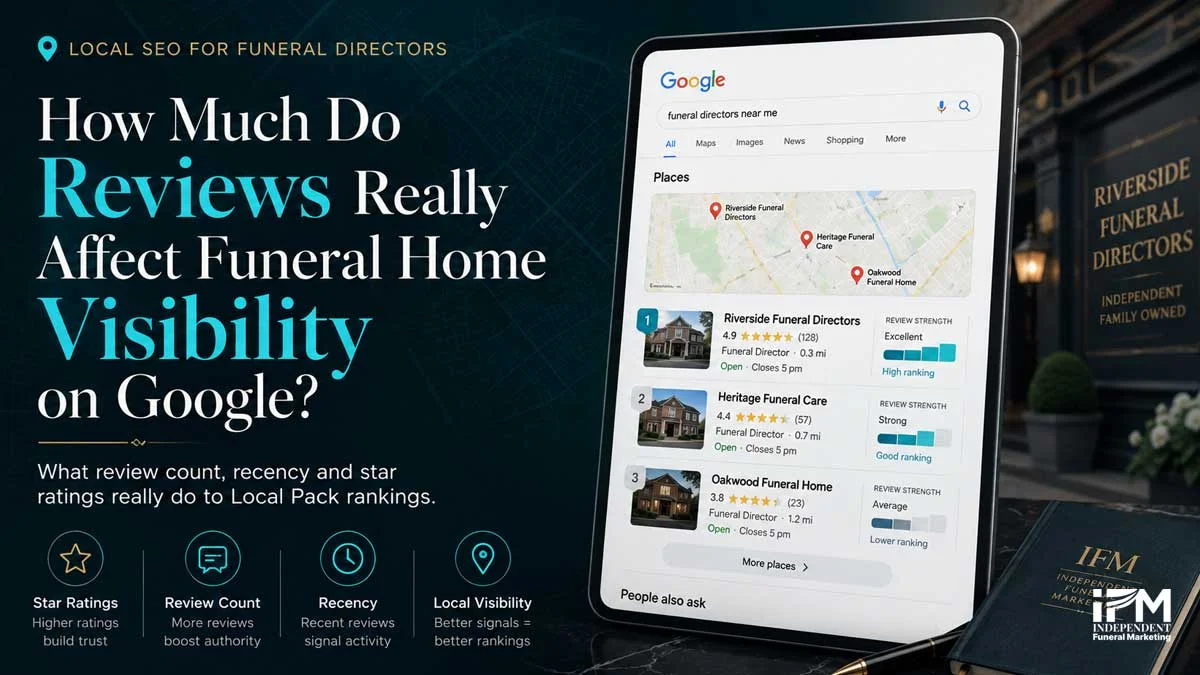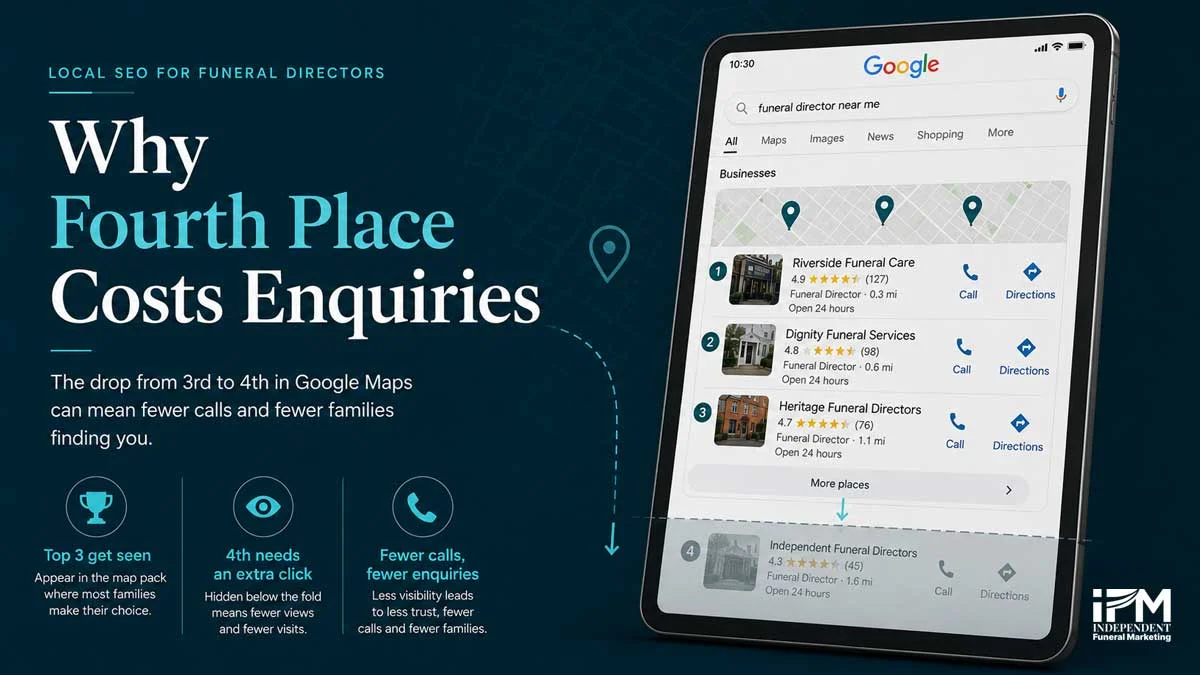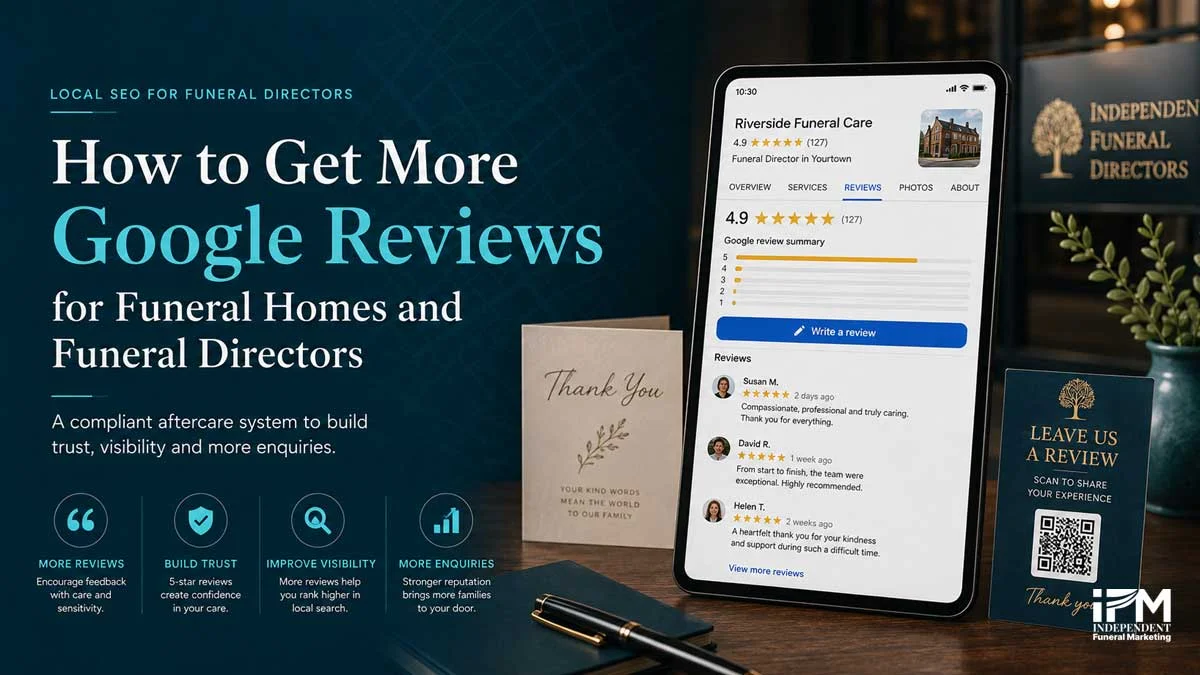
How to get more Google reviews for a funeral home comes down to a simple discipline most independent funeral directors have never formalised: ask every family, not just the ones who seemed happiest, at the right moment, through a route with no friction, and inside Google’s rules. Reviews do not accumulate on their own. Families do not leave them unprompted in any reliable volume, and the funeral homes with the strongest Google profiles are not the ones who did the best job, they are the ones who built asking for a review into how they close out every case.
Google review count, recency, and rating are a confirmed local ranking signal [1], and around 42% of local searchers click a Map Pack result before ever scrolling to the organic listings below it [2]. Two-thirds of consumers visit a funeral home’s website when planning a service [3], and your review profile is very often the first thing they see before they get there. This guide covers the timing, the mechanics of a review link and QR code, and the compliance rules, including a 2026 Google policy update most funeral marketing guidance has not caught up with yet.
Why Do Google Reviews Matter for a Funeral Home’s Local Ranking?
For independent funeral homes, reviews carry additional strategic weight. Corporate chains tend to run review requests through a centralised, templated system, generic timing, generic wording, no local judgement about whether a family is ready to be asked. An independent funeral home that builds a genuinely thoughtful, well-timed review system stands out precisely because families can tell the difference between a templated request and one that was actually considered.
Setting up your Google Business Profile correctly is the foundation everything else in this guide sits on. If your profile is not fully claimed, verified, and complete, review requests are sending families toward a weaker asset than they should be, and IFM’s local SEO guide for funeral homes covers where reviews sit within the wider local search picture.
When Is the Right Time to Ask a Bereaved Family for a Google Review?
Getting the timing wrong in either direction costs you a review. Ask too early, within days of the death, and you risk asking something of a family who is not remotely ready to give it. Ask too late, months after the service, and the moment has passed. The impulse to write about the experience has gone, along with most of the emotional detail that would have made the review specific and useful to the next family reading it.
The aftercare window in practice:
How Does the Two-Touch Aftercare Review System Work?
No funeral marketing competitor currently publishes a review-generation process built specifically for this sector. Most guidance aimed at funeral homes is either a general small-business checklist or a single bullet point inside a broader local SEO article. Naming and structuring the process is what turns “ask for reviews sometimes” into something a whole team can run consistently.
The four-step workflow:
- Mark the case complete, the trigger point for the whole system, so no family is missed because nobody remembered
- Assign an owner, usually the director or family-care lead who actually served the family, since the request reads as more genuine coming from someone the family recognises
- Send touch one, a short, warm thank-you message with a direct review link, sent once the family has left and the immediate aftercare period has passed
- Send touch two if needed, a brief, low-pressure reminder seven to fourteen days later, only if there has been no response, then stop
Tracking review-request conversion, how many requests turn into an actual review, is a more useful internal metric than raw review count. It tells you whether the system itself is working, separate from how many families you served that month.
How Do You Create a Google Review Link for Your Funeral Home?
How to generate your review link:
- Sign in to business.google.com or search for your business name while signed into your Google account
- Find the Get more reviews card on your profile home screen, or navigate to it from the menu
- Copy the short link Google generates
- Save it somewhere your whole team can access it, an email signature, a shared template, or your aftercare correspondence system
Where to place the link:
- In the email signature of every director and family-care lead
- Inside the aftercare thank-you email or text message
- On a printed thank-you card included with final paperwork
- Alongside the QR code covered in the next section, for families who prefer scanning to typing
If your business has multiple branches, each verified location on Google Business Profile has its own review link. Requesting a review through the wrong branch’s link sends the review to the wrong listing, so check the link matches the branch the family was actually served by.
How Do You Create a Google Review QR Code?
Steps to generate and use a QR code:
- Copy your Google review link from your Business Profile dashboard
- Paste it into a free QR code generator tool to produce a scannable code
- Add the code to a printed thank-you card, an insert in aftercare correspondence, or an email signature
- Test the code yourself with a phone camera before it goes into circulation, to confirm it lands on the correct review page
A printed QR code works well specifically because it reaches families who are less comfortable typing a link or navigating an app, which matters in a sector where the audience skews older. Keep it on take-home materials rather than on display for families to use while they are with you, since Google prohibits pressuring people to leave a review on the premises, a point covered in full in the compliance section below.
What Should a Google Review Request Actually Say?
Example, aftercare email or letter:
“Dear [family name], we hope you and your family are doing as well as can be expected. If you have a few minutes and feel it would be helpful, we would be grateful if you shared your experience with us on Google. It genuinely helps other families in your position know what to expect. There is no obligation, and thank you again for trusting us with your loved one’s care. [Review link]”
Example, short text message:
“Hello [family name], thank you again for trusting us. If you’re able, a short Google review would help other local families know what to expect from us. Entirely optional, thank you either way. [Review link]”
Both templates are deliberately unscripted. Neither suggests a rating, requests specific content, or asks the family to mention a staff member by name, all of which cross into territory Google now explicitly prohibits, covered in full in the next section. Keep your own version this plain. A longer, more persuasive message reads as pressure in a bereavement context, not as warmth.
What Does Google Prohibit When Asking for Reviews?
The April 2026 Google Maps review policy update: in April 2026, Google added rules on staff mentions and review targets to its Maps user-generated content policy [11]. Google’s policy page sets out the current wording [4]. It adds to, rather than replaces, the existing rules below.
Always prohibited
- Offering discounts, gifts, or payment in exchange for posting, editing, or removing a review
- Review gating, asking only families who seemed satisfied while discouraging or ignoring others
- Pressuring a family to post a review while still on the premises
New in the 2026 update
- Staff review quotas. Asking staff to collect a set number of reviews is prohibited. A bonus tied to review numbers works like a target and should be avoided
- Naming a specific staff member. Coaching or scripting a request that asks a family to name a particular director is prohibited. Organic, unprompted mentions in a genuine review remain acceptable
Two practices that a well-intentioned, relationship-led funeral home might otherwise consider are out of bounds: asking a family to mention a specific director or arranger by name in their review, and asking families to leave a review while they are still with you, whether in the arrangement room or at reception. The two-touch aftercare system described above is timed off-premises and uses neutral, unscripted language, which keeps it compliant with both the original rules and the 2026 update.
If you suspect a review is fake, competitor-driven, or posted by someone with no connection to your business, how to respond to funeral home Google reviews covers the flagging process and how to write a public response while that process is underway.
Is There UK-Specific Law on Fake or Incentivised Reviews?
The NAFD UK Funeral Director Code [8] requires member firms to keep advertising and marketing in good taste, ruling out sensational, offensive, or misleading marketing. A review request that is honest, optional, and appropriately timed sits comfortably within that standard. One that pressures, incentivises, or scripts a family’s response does not.
US-based funeral homes are covered instead by the Federal Trade Commission’s Trade Regulation Rule on the Use of Consumer Reviews and Testimonials, in force since 21 October 2024, which bans buying, selling, or otherwise manipulating consumer reviews and carries penalties of up to $51,744 per violation [9] [10].
What Should a Funeral Home Avoid When Asking for Google Reviews?
- Never offer an incentive, discount, or gift in exchange for a review
- Never ask only the families who seemed happiest, known as review gating
- Never ask for a review while the family is still on the premises
- Never ask a family to mention a specific staff member by name, per the April 2026 update
- Never set staff a target number of reviews, per the April 2026 update, and avoid bonuses tied to review numbers, which work the same way
- Never use a fake-review generator or buy reviews, illegal under both UK and US law
How Many Google Reviews Should a Funeral Home Aim For?
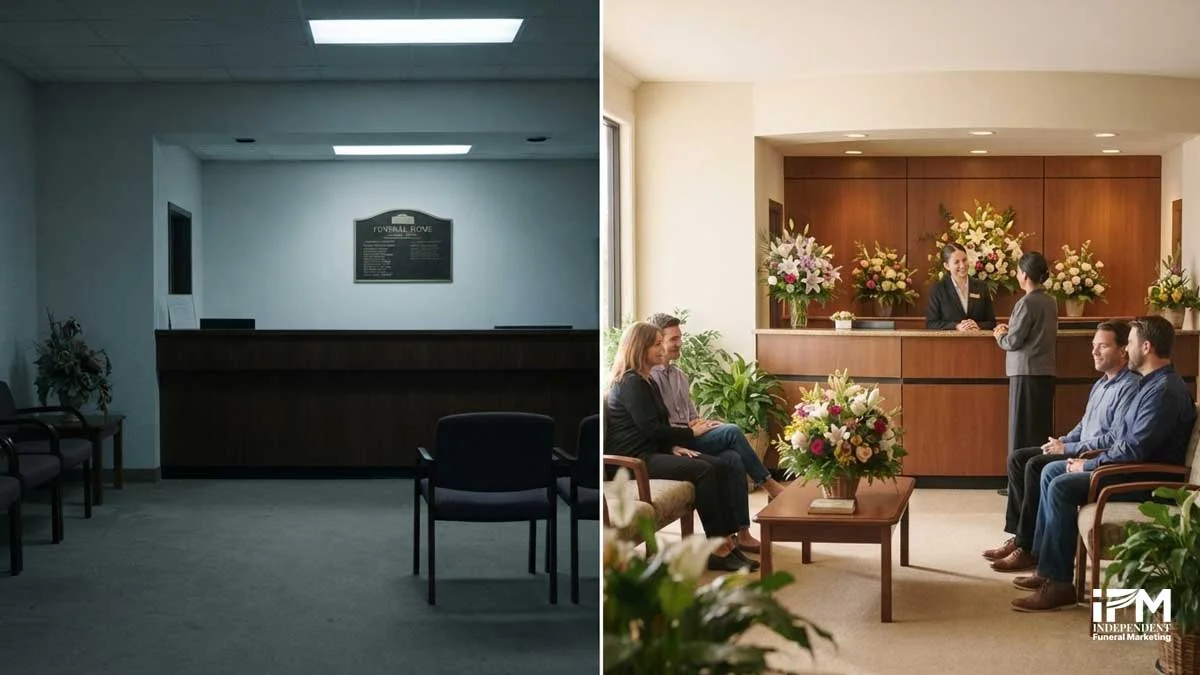
Recency matters as much as total volume. A profile with 40 reviews, none in the last two years, reads as less credible than one with 15 reviews spread evenly across the last twelve months. Local SEO experts rate review recency highly, and families reading your profile notice a stale review history even when they are not consciously analysing dates.
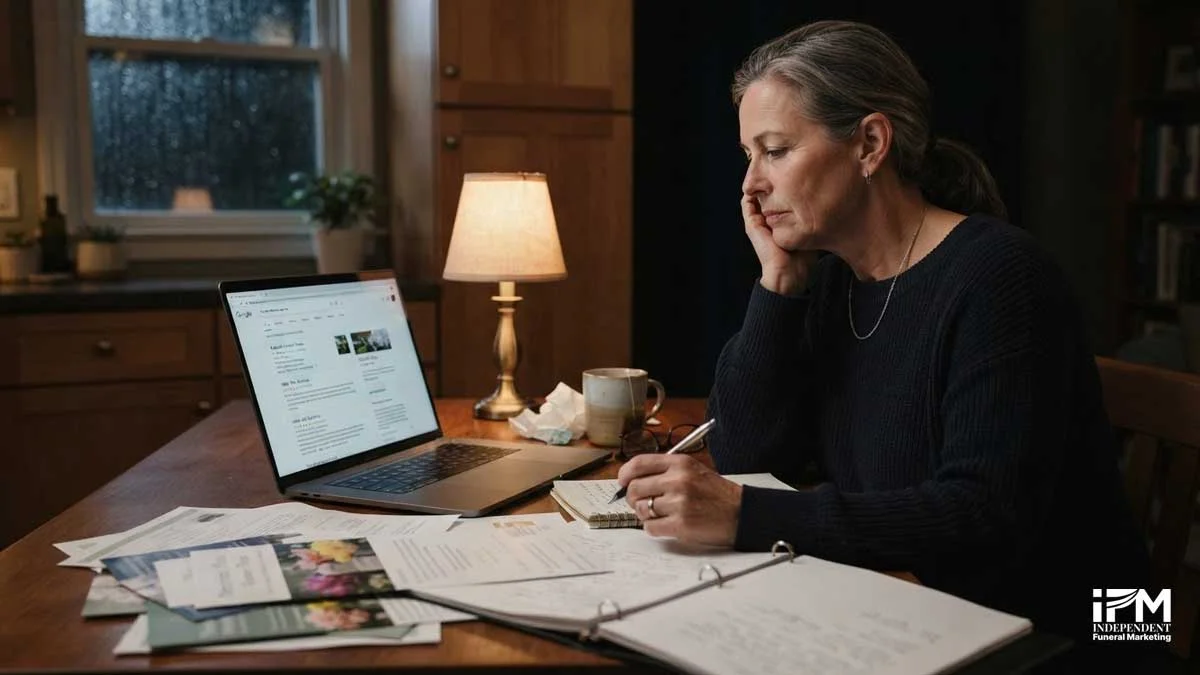
This is exactly where a structured review-generation system pays off differently to a one-off push. A burst of ten reviews in a single month, followed by silence for a year, looks less credible than a steady trickle. Building the two-touch aftercare request into how every case is closed keeps the flow of reviews current, which is what the ranking signal and prospective families are both actually responding to.
How Does Getting More Reviews Fit Into a Funeral Home’s Wider Local SEO?
Reviews are the input most funeral homes underuse, but they are only one piece of the picture. Optimising your Google Business Profile is the foundation reviews sit on top of, and the full local SEO for funeral homes approach brings citations, on-page content, and technical health together with review signals as part of one system rather than a set of isolated tasks.
Frequently Asked Questions
How do I get more Google reviews for my funeral home quickly?
The fastest compliant route is a direct review link or QR code sent in a thank-you message once the family has left, followed by one gentle reminder seven to fourteen days later. There is no genuine shortcut beyond removing friction from the request and asking every family, not just the ones who seemed satisfied.
What is the fastest way to get Google reviews for a funeral home?
A direct review link or QR code, placed in the aftercare thank-you message and sent as soon as the family has left, removes almost all of the friction that slows requests down. Speed comes from removing steps, not from asking more forcefully or more often.
How many Google reviews should a funeral home have?
There is no fixed target. The more useful comparison is against the funeral directors ranking near you in the local pack. If competitors have 40 recent reviews and yours has 8 from three years ago, recency and volume are both working against you regardless of the absolute number.
Do Google reviews still matter for funeral homes?
Yes. Google confirms review count, recency, and rating are part of the prominence signal used to rank local pack results, and around 42% of local searchers click a Map Pack result before scrolling to organic listings, so your review profile is one of the first things a bereaved family sees.
Can Google detect fake reviews?
Yes. Google actively detects and removes fake and policy-violating engagement, including fake reviews, and its 2025 Trust and Safety Report cites 292 million policy-violating reviews removed in a single year [5].
Can a funeral home get rid of a bad Google review?
Only if the review breaks Google’s policies, such as spam, fake content, a conflict of interest, or offensive language, and even then removal is not guaranteed and the timeline is unpredictable. A genuine negative review from a real client cannot be removed simply because a funeral home disagrees with it.
Can a funeral director delete a Google review themselves?
No. A business owner cannot delete a review directly. The only route is to flag it to Google as a policy violation and wait for Google’s review, which is a different process from simply disagreeing with the content.
Is there a way to get a bunch of Google reviews for a funeral home quickly?
No genuine, compliant shortcut exists. A sudden burst of reviews is more likely to trigger Google’s fake-engagement detection than to help your ranking, and a steady, aftercare-timed flow of real reviews serves both compliance and credibility better than a one-off push ever could.
How much does it cost to get more Google reviews for a funeral home?
Nothing, if the approach is a structured aftercare request built into your existing service process. The two-touch system described in this guide needs no paid software, only a direct review link or QR code and a disciplined follow-up routine.
Can you pay someone to write Google reviews for a funeral home?
No. Google explicitly prohibits offering payment or any other incentive in exchange for a review, and both the UK’s Digital Markets, Competition and Consumers Act 2024 and the US FTC’s Trade Regulation Rule on the Use of Consumer Reviews and Testimonials make buying or selling fake reviews unlawful, not just against Google’s policy.
Can someone find out who left a Google review about my funeral home?
Not from the business side. Reviewers can post under a display name or as anonymous, and a funeral home has no built-in way to identify a reviewer through Google Business Profile. This is often a concern for families weighing whether to leave a review, so it is worth reassuring them that reviews are optional and their name is their choice.
Getting more Google reviews for a funeral home is not a marketing trick, it is a process. The funeral homes that build it in, ask every family, ask at the right moment, remove all friction from the request, and stay inside Google’s rules, end up with a profile that compounds over time rather than one that relies on the odd unprompted review from a particularly grateful family. That difference shows up directly in Local Pack visibility, and in what a bereaved family sees before they have even read a word of your website.
Asking well is not a marketing tactic. It is a continuation of the same care a family experienced during the service.
Bringing your review system into a properly structured local SEO approach, alongside your Google Business Profile, citations, and on-page content, is exactly the kind of disciplined, integrated work IFM builds for independent funeral homes. Get in touch to talk through where your review profile currently stands and what closing the gap would look like.
References
[1] Google Business Profile Help, Tips to improve your local ranking on Google, support.google.com/business/answer/7091
[2] Backlinko, How People Use Google Search, backlinko.com/google-user-behavior
[3] National Funeral Directors Association, 2024 Cremation and Burial Report, nfda.org
[4] Google Maps User Contributed Content Policy, Prohibited and restricted content, support.google.com/contributionpolicy/answer/7400114
[5] PPC Land, Google tightens Maps review policy, staff names and quotas now banned, ppc.land
[6] legislation.gov.uk, Digital Markets, Competition and Consumers Act 2024, Part 4 explanatory notes
[7] Competition and Markets Authority, CMA208, Fake reviews guidance, gov.uk
[8] National Association of Funeral Directors, UK Funeral Director Code, nafd.org.uk
[9] Federal Trade Commission, final rule banning fake reviews and testimonials, ftc.gov
[10] Federal Register, Trade Regulation Rule on the Use of Consumer Reviews and Testimonials, federalregister.gov
[11] Search Engine Roundtable, Google Updates Reviews Policy To Restrict Staff Mentions & Solicitations, 17 April 2026, seroundtable.com/google-reviews-policy-staff-mentions-solicitations-41175.html